
This week
KSh 128,400
goobiiz is the workspace for invoicing, the till, inventory, and accounting. Start a 7-day trial, then continue on an annual plan or a one-off lifetime license.

Product
Catalog, customers, the till, and the books stay on the same tenant. Anyone signed in sees the same stock, photos, and receipts.

This week
KSh 128,400
Invoicing
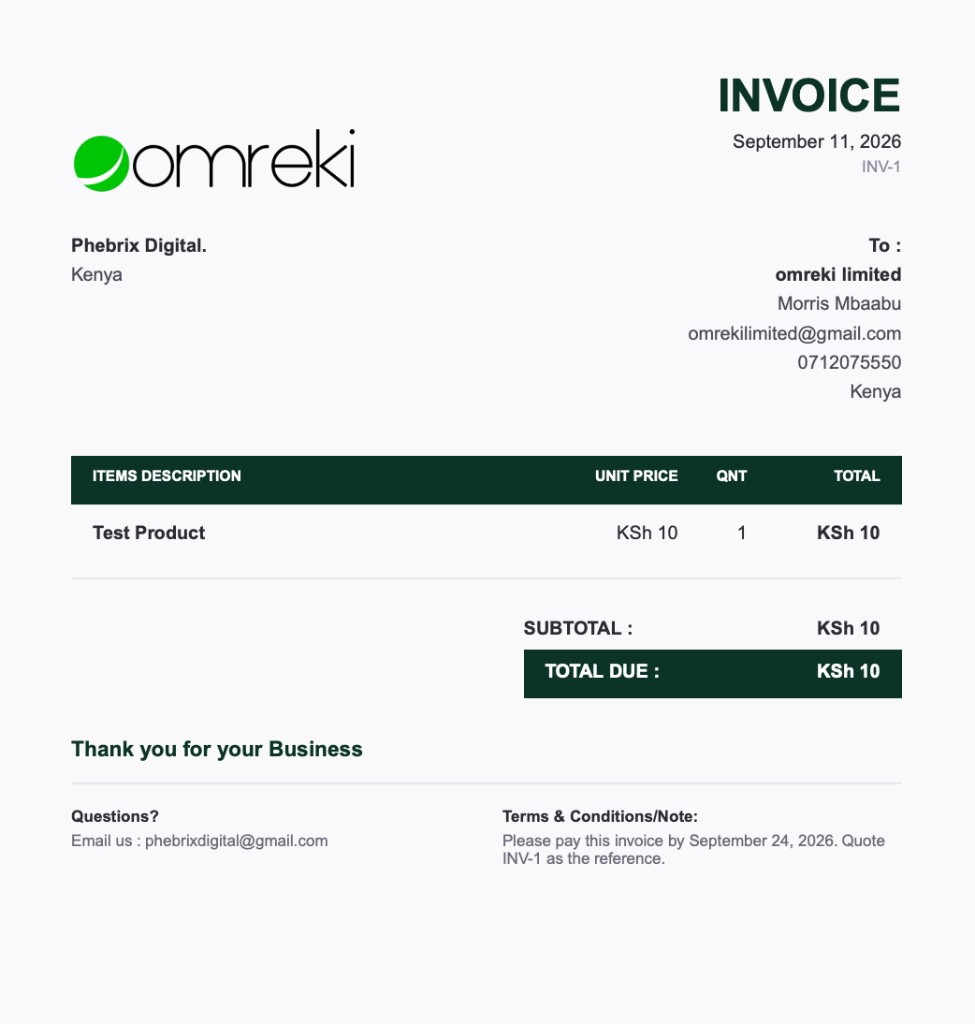
An estimate becomes an invoice, then a payment and a receipt. The page carries your logo and company name.
Inventory
Each size, unit, or pack keeps its own price and count. A sale updates the stock in the same step.
Step 1
List the item
One product for clothline, retail, or wholesale.
Step 2
Price each variable
A size, unit, or pack has its own price and stock.
Step 3
Sell it
The till uses the count already on the listing.
Step 4
Stock moves
What sold leaves the shelf. No second spreadsheet.
Point of sale
The sale, the receipt, and the statements are one path. Nothing is typed again into a second tool.
Cart
Add the customer and the items.
Charge
Cash, card, or M-Pesa.
Books
The sale is already in the statements.
Receipt
WhatsApp opens with the receipt.
Team
A solo shop can stay simple. A larger organization adds people only for the part of the work they should touch.
Start
Sign up, confirm the email code, and name the business.
Explore the full platform for 7 days, then keep the modules you use.
Invoice a customer or open the till. The receipt and the books update together.
Modules
Each module is off until you turn it on in Settings. The data stays with the workspace.
Estimates, invoices, and receipts in the customer’s currency.
Scan, charge cash, card, or M-Pesa, then send the receipt on WhatsApp.
Clothline, retail, or wholesale. Each size, unit, or pack has its own price and stock.
Ledger, VAT, payroll, and statements that follow the sales you already made.
Tasks, a board, linked invoices, and a report when the work is done.
Build a form, share the link, and read every response in the workspace.
Keep a contact list and send a campaign from blocks you arrange.
Capture leads, log calls and comments, book appointments, and move them through the funnel.
Concept notes and budgets go through review before spending starts.
We stopped rewriting the same shirt as a new product for every size. Each size has its own price and the till knows the stock.
The counter is simple on a phone. We add the customer, take M-Pesa, and the receipt is already in the WhatsApp chat.
Invoices, the till, and the books sit in one workspace. Month end is the statements, not a pile of separate sheets.
Pricing
New workspaces get 7 days with every module. After that, continue with an annual plan or a one-off lifetime license, billed in Kenya Shillings.
Full access to start
7 days
Full access
Core tools, billed yearly
KES 6,700
Per year
Enjoy unlimited access to all modules
KES 35,000
Per year
Sign up, confirm the code we email, and use every module for 7 days.
goobiiz is a business management tool and a business automation tool for shops, growing teams, and larger organizations. It is an invoicing tool, a POS tool, an inventory tool, and call center software, with accounting, a project management tool, a newsletter tool, lead management, forms, and research notes in the same workspace. People also look for invoice software, billing software, point of sale software, stock management, email newsletter software, and small-business or SME software.